How Encryption Works
This page explains how GitWriter's end-to-end encryption works inside: what is stored where, what one sync of an encrypted notebook does, and how the cryptography fits in. To just turn it on, see the tutorial.
The goal
An encrypted notebook should work exactly like a plain one on your devices: notes are plain Markdown, Git merges changes, and conflicts are resolved the same way. The remote should only ever get data it can't read. That rules out note text, note names, the folder structure and any readable history.
These two goals pull in different directions, and the design follows from that.
Why not just encrypt the notes?
The obvious approach is to encrypt every note file and commit the encrypted files. It breaks Git in several ways:
- Git can't merge ciphertext. Changing one letter of a note changes its whole encrypted file. Two devices editing the same note, even different paragraphs, always conflict, and there's no way to merge the two versions.
- File names and structure leak. Either the names stay readable, or they're encrypted too and every rename looks like a delete plus a new file.
- History leaks. Commit times, which files changed and how much, all stay visible.
So GitWriter doesn't encrypt files inside Git. It encrypts what Git sends to the remote. The notebook stays a plain repository on the device, and the remote only receives sealed packages of commits. This is the same idea as git-remote-gcrypt.
Three repositories
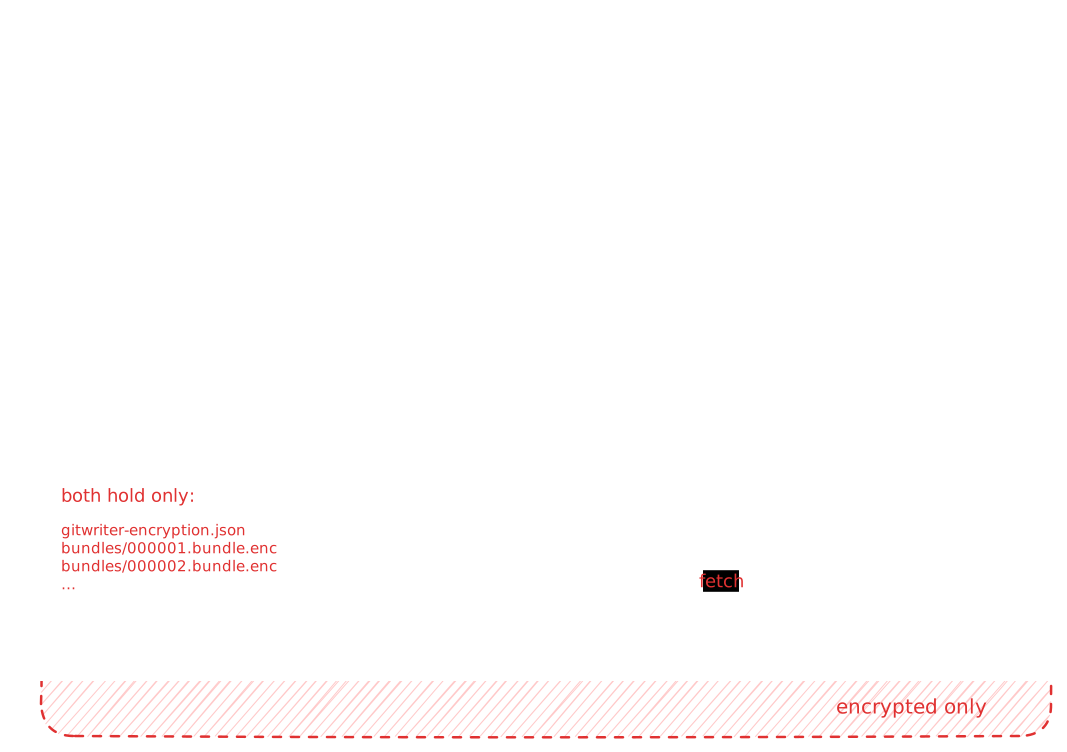
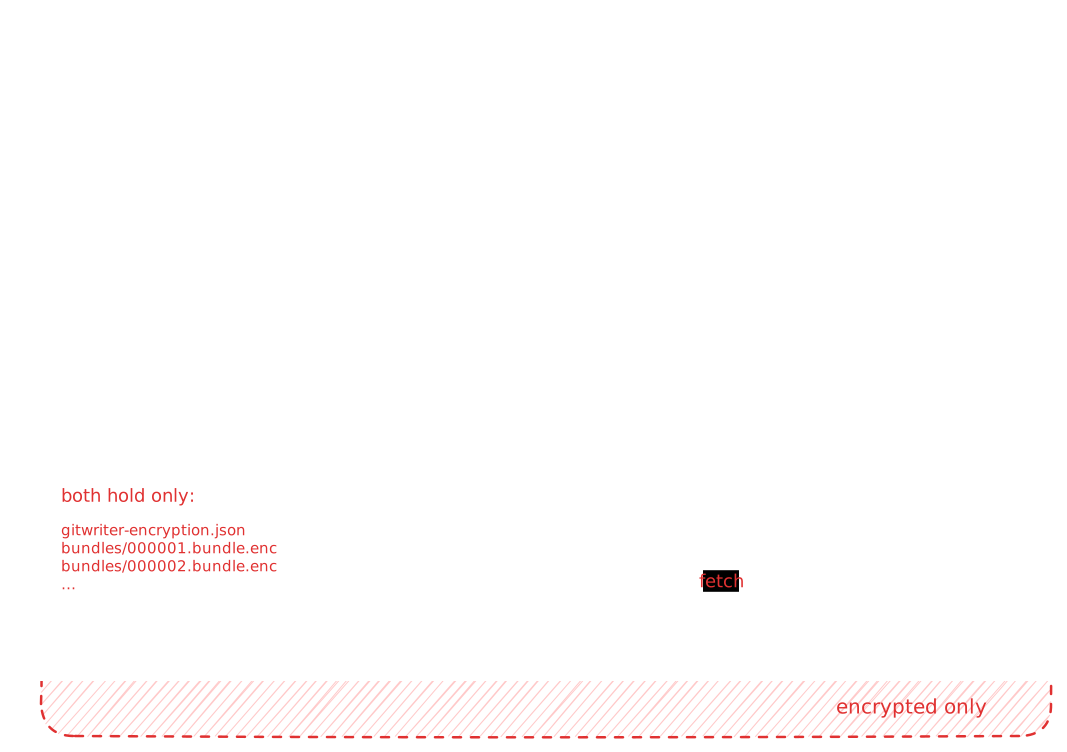
An encrypted notebook uses three Git repositories, plus the remote:
| Repository | Where | Holds |
|---|---|---|
| Notebook | the notebook folder | Your notes, plain. A normal Git repository with a working tree. |
| Mirror | .git/gitwriter/mirror.git | Everything that has been published so far, decrypted. A bare repository: only commits, no working files. |
| Mailbox copy | .git/gitwriter/mailbox | An exact copy of the remote. Only encrypted files. |
| Mailbox | the remote (GitHub, …) | gitwriter-encryption.json and bundles/*.bundle.enc. Nothing readable. |
The trick is the mirror. It's the notebook's origin, so for the notebook, the mirror is its remote. All the normal sync code (commit, pull, merge, conflicts, push) runs unchanged against it, as if the mirror were GitHub. Only one class (EncryptedGitSync) sees both sides: it moves commits between the mirror and the mailbox, encrypting and decrypting on the way.
The mirror and the mailbox copy live inside the notebook's .git folder, so Git never treats them as notes, and they move with the notebook when it's renamed.
Bundles: commits in a sealed package
A Git bundle is a standard Git file format (git bundle create) holding exactly what a git push would send: a short header plus a packfile with the commits, folders and file contents.
# v2 git bundle
-c2a91f…                    a commit this bundle builds on
8e40b3… refs/heads/main     where main points after importing it

PACK…                       the commits and files themselves
GitWriter uploads one bundle per sync that has something new. Each bundle holds only the commits that are new since the previous bundle, so the bundles form a chain:
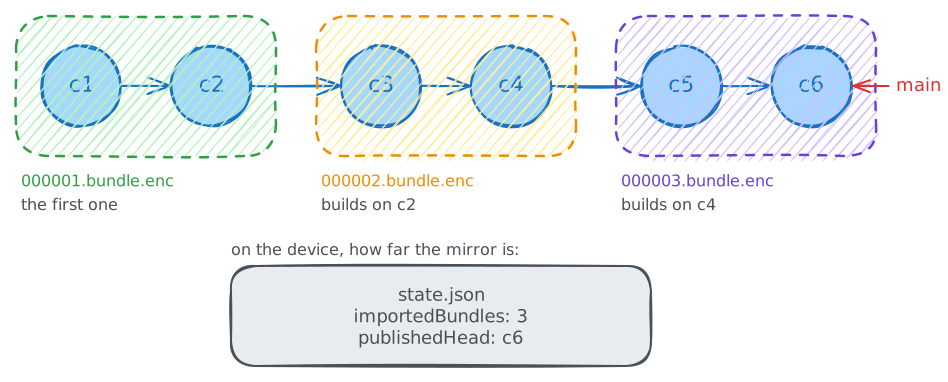
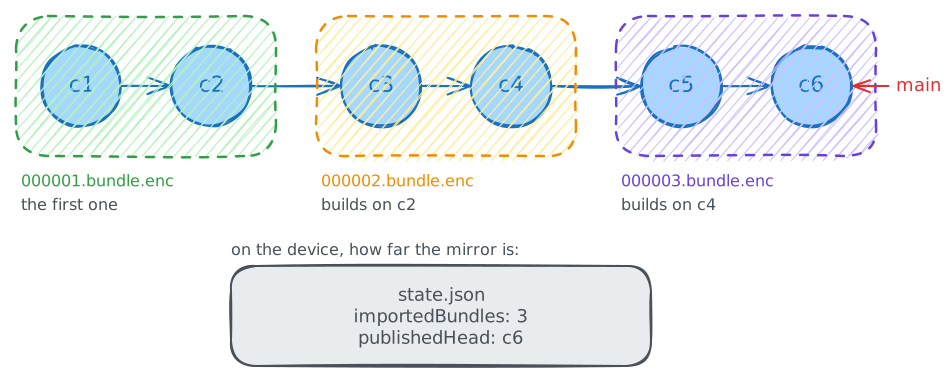
000001.bundle.encholds the whole history up to the moment encryption was turned on.- Every later bundle builds on the last commit of the bundle before it, its prerequisite. It can only be imported into a repository that already has that commit.
- So bundles must be imported in order, and file names are zero-padded sequence numbers to keep sorting simple.
On each device, .git/gitwriter/state.json records how far the mirror is:
{ "importedBundles": 3, "publishedHead": "8e40b3…" }importedBundles is how many bundles the mirror contains, and publishedHead is the commit the last one ended at. The next bundle starts there.
One sync, step by step
1. Download
- The mailbox copy is brought up to date:
fetch, then a hard reset to the remote'smain. The copy is never merged; it's always an exact copy of the remote. - Every bundle file beyond
importedBundlesis decrypted, in order. - Each decrypted bundle is imported into the mirror, which moves the mirror's
mainforward.state.jsonis updated after each one, so an interrupted sync continues where it stopped.
If the remote has fewer bundles than the device already imported, the sync stops with an error. The mailbox only ever grows, so this means something deleted files from it.
2. Plain sync, against the mirror
This is the normal sync from Syncing & Conflicts: commit the notebook's changes, pull from origin (the mirror) and merge, push back to the mirror.
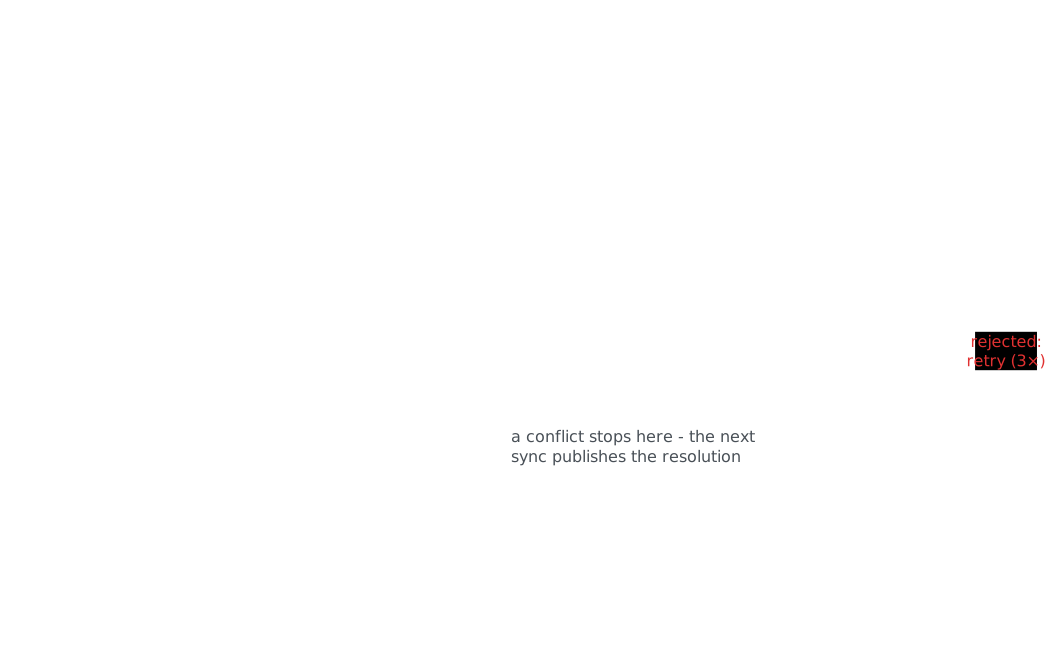
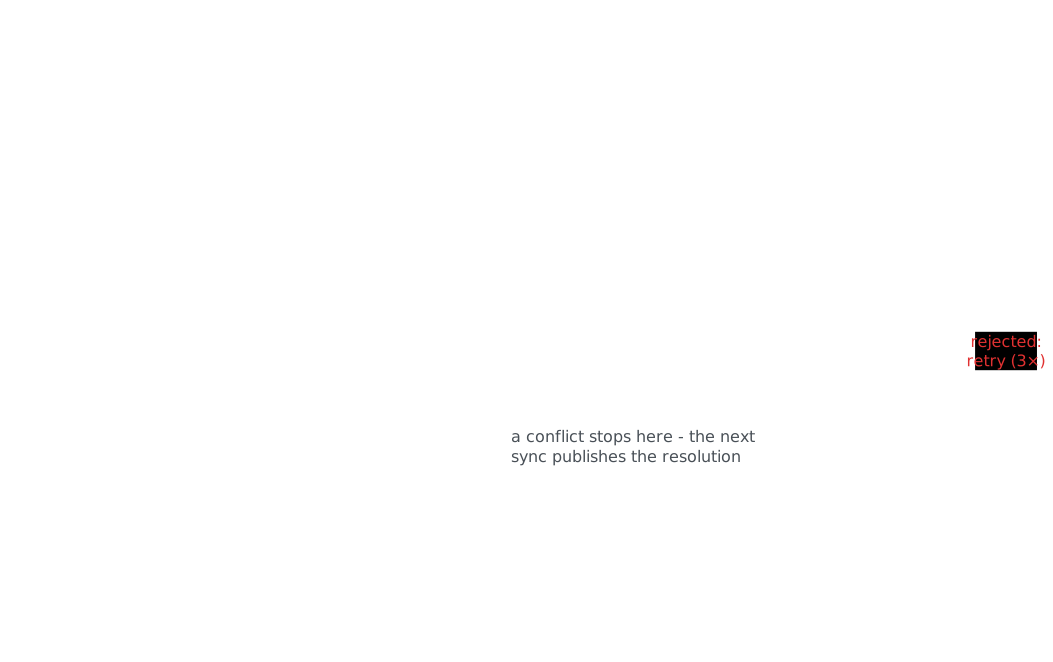
Because merging happens here, between plain repositories, it works line by line, exactly as for an unencrypted notebook. If there's a conflict, the sync stops and the conflict dialog appears. Resolving it creates a merge commit, and the next sync publishes it.
3. Publish
If the mirror's main moved past publishedHead, there's something to publish:
- Bundle the commits from
publishedHeadto the mirror'smain. - Encrypt the bundle as
bundles/00000N.bundle.enc, whereNisimportedBundles + 1. - Commit the new file in the mailbox copy (message
bundle N) and push it. - Update
state.json.
If the mirror didn't move, nothing is uploaded and the sync is done.
Two devices at the same time
The remote never needs a merge, because devices only ever add new numbered files. That also makes it easy to detect when two devices published at the same time:
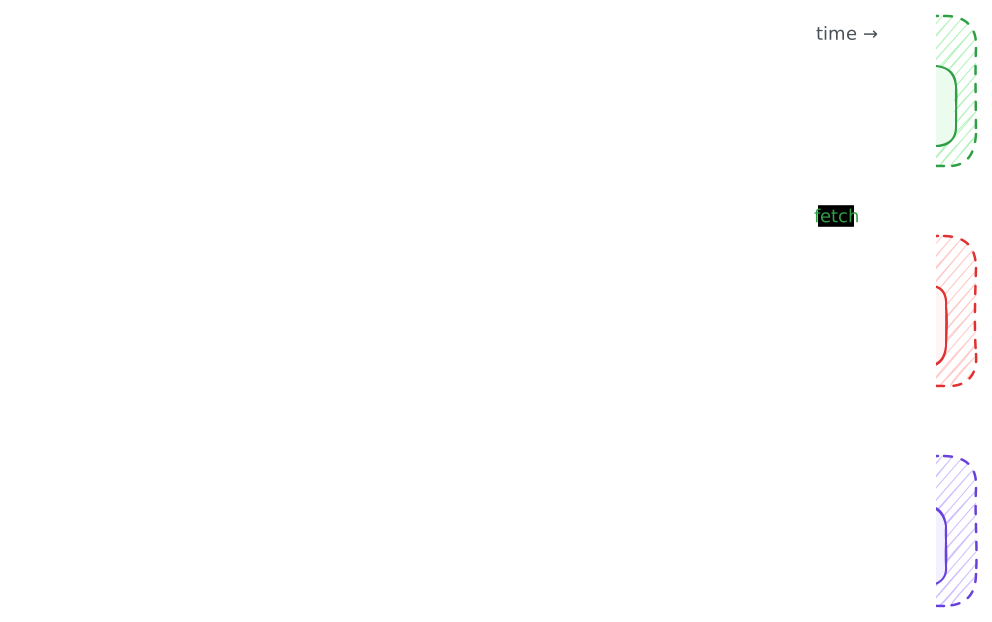
- Both devices have bundles 1–3. Both have new notes and both create
000004.bundle.enc. - The laptop pushes first, and its push is accepted.
- The phone's push is rejected: the remote has a commit (the laptop's) that the phone's mailbox copy doesn't. This is Git's normal non-fast-forward rejection.
- The phone starts the sync again. It downloads the laptop's bundle 4, imports it, merges it with its own changes in the plain sync step, and publishes the result as
000005.bundle.enc. - The laptop gets bundle 5 on its next sync.
The phone's rejected bundle 4 is never uploaded, and nothing is lost: its commits are still in its mirror and become part of bundle 5. A device retries up to 3 times per sync; if other devices keep winning, the sync fails with a message and the next sync tries again.
Keys and encryption
From password to key
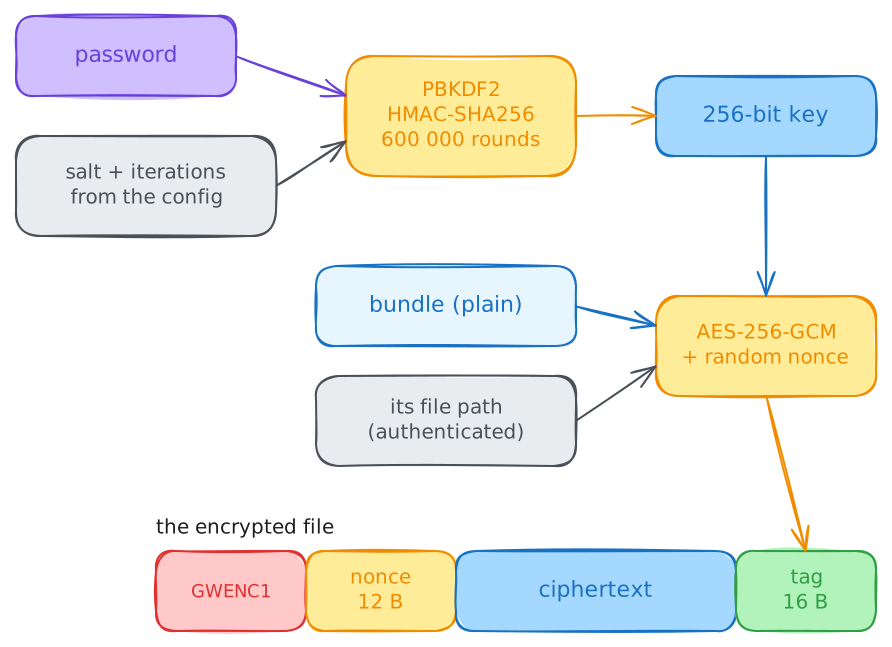
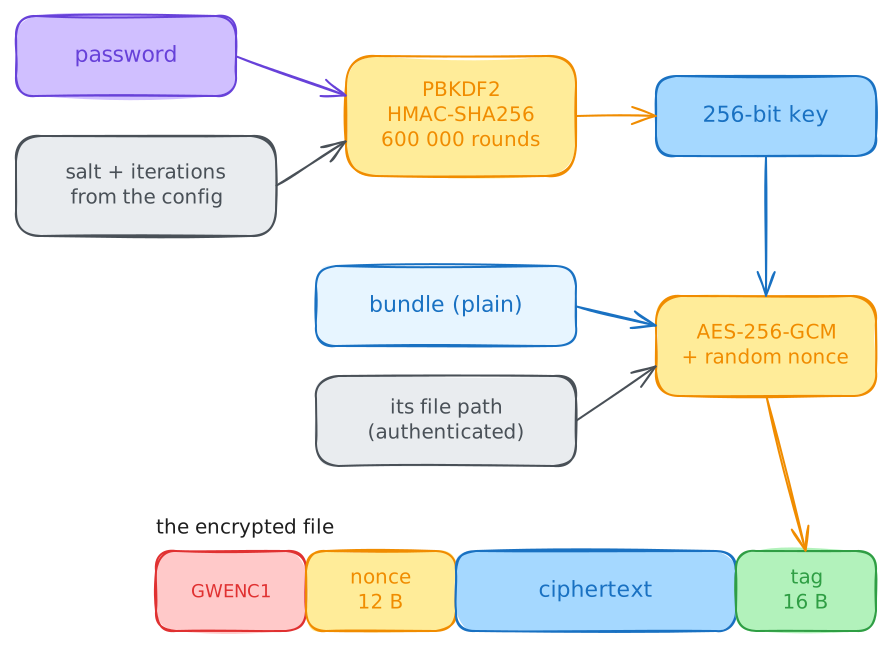
The key is derived from the notebook password with PBKDF2-HMAC-SHA256:
- 600 000 iterations, as recommended by OWASP. Each password guess costs an attacker that much computation.
- A random 16-byte salt, created when encryption is turned on. Two notebooks with the same password get different keys, and precomputed password tables are useless.
- The output is a 256-bit key.
The salt and the iteration count aren't secret. They're stored on the remote, in gitwriter-encryption.json, so every device derives the same key from the same password:
{
  "version": 1,
  "kdf": "PBKDF2-HMAC-SHA256",
  "iterations": 600000,
  "salt": "kY3n…",
  "keyCheck": "R1dFTkMx…"
}
keyCheck is a known text encrypted with the key. A device that is given a password derives a key and tries to decrypt keyCheck with it. If that fails, the password is wrong, and nothing else is touched.
Encrypting a file
Every bundle is encrypted with AES-256-GCM, which provides both confidentiality and integrity:
- A random 12-byte nonce for every file, so the same content encrypted twice gives different bytes.
- A 16-byte authentication tag. Any change to the file, even one bit, makes decryption fail instead of returning garbage.
- The file's path (for example
bundles/000004.bundle.enc) is authenticated additional data. It isn't stored in the file, but decryption only succeeds with the same path. An attacker with write access to the remote can't swap two bundles or replay an old bundle under a new number.
An encrypted file is laid out as:
GWENC1 | nonce | ciphertext | tag |
|---|---|---|---|
| 6 bytes, format marker | 12 bytes | the bundle | 16 bytes |
The GWENC1 marker identifies GitWriter's encrypted files and leaves room for a new format version later.
The cryptography comes from cryptography-kotlin, with its optimal provider, which picks a well-tested native implementation on each platform (the JDK's on desktop and Android, Apple's on iOS).
Turning encryption on
When you turn on Encrypt notebook and save:
- GitWriter clones the new remote into the mailbox copy and checks that it's empty, with no branches at all. A remote with history is refused, because readable notes in its history would stay there.
- A new salt and key are created from the password, and
gitwriter-encryption.jsonis written. - The notebook's branch is renamed to
main(bundles always carrymain), the mirror is created, and the notebook's whole history is bundled and imported into it. - The notebook's
originis switched from the old remote to the mirror. - A sync runs. It commits anything uncommitted and publishes everything as
000001.bundle.enc, together with the config.
The key (not the password) is stored in the app's database on this device.
Opening on a new device
Cloning an encrypted notebook works differently from a normal clone, because the remote doesn't hold a Git history of notes:
- An empty notebook repository is created (
git init). - The remote is cloned into the mailbox copy.
- If there's no
gitwriter-encryption.json, the remote isn't an encrypted notebook. - The key is derived from the password and checked against
keyCheck. A wrong password stops here, before any bundle is decrypted. - An empty mirror is created and set as the notebook's
origin. - A normal encrypted sync runs. The mirror has imported nothing yet, so it replays every bundle from
000001on, in order, rebuilding the full history. The plain sync then checks the notes out into the empty notebook.
What is stored where
| Where | What | Readable? |
|---|---|---|
| Remote | gitwriter-encryption.json (salt, iterations, key check) | Not secret, and not enough to decrypt anything |
| Remote | bundles/*.bundle.enc | Encrypted |
| Device | Notes, notebook .git, mirror | Plain, like any unencrypted notebook |
| Device | Mailbox copy | Encrypted |
| Device | state.json | Bundle count and a commit hash |
| Device | Key and access token, in the app's database | Not encrypted; anyone with access to the app's data can read them |
What the remote can still see
Encryption hides what you write, not that you write. The Git host can see:
- How many bundles there are and how big each is, so roughly how much changed in each sync.
- When each sync published something (the mailbox commit times).
- The commit author of the mailbox commits: the Git identity configured on the device.
It can't see note text, file names, folders, how many notes there are, or the history inside the bundles.
Limitations
- Lost password, lost remote. Nobody can decrypt the bundles without it. Devices that already have the notebook keep their plain copies.
- No password change yet. A new password means a new key, so every bundle would have to be encrypted again into a new remote.
- The remote only grows. Each sync that publishes adds a bundle. Compacting them into one would need a force push and isn't implemented.
- The repository URL is fixed once a notebook is encrypted, because the mirror's state belongs to that remote.
- The device isn't protected. The key is stored next to the notes it protects. Encryption is about the remote, not about someone with access to your device.