Settings
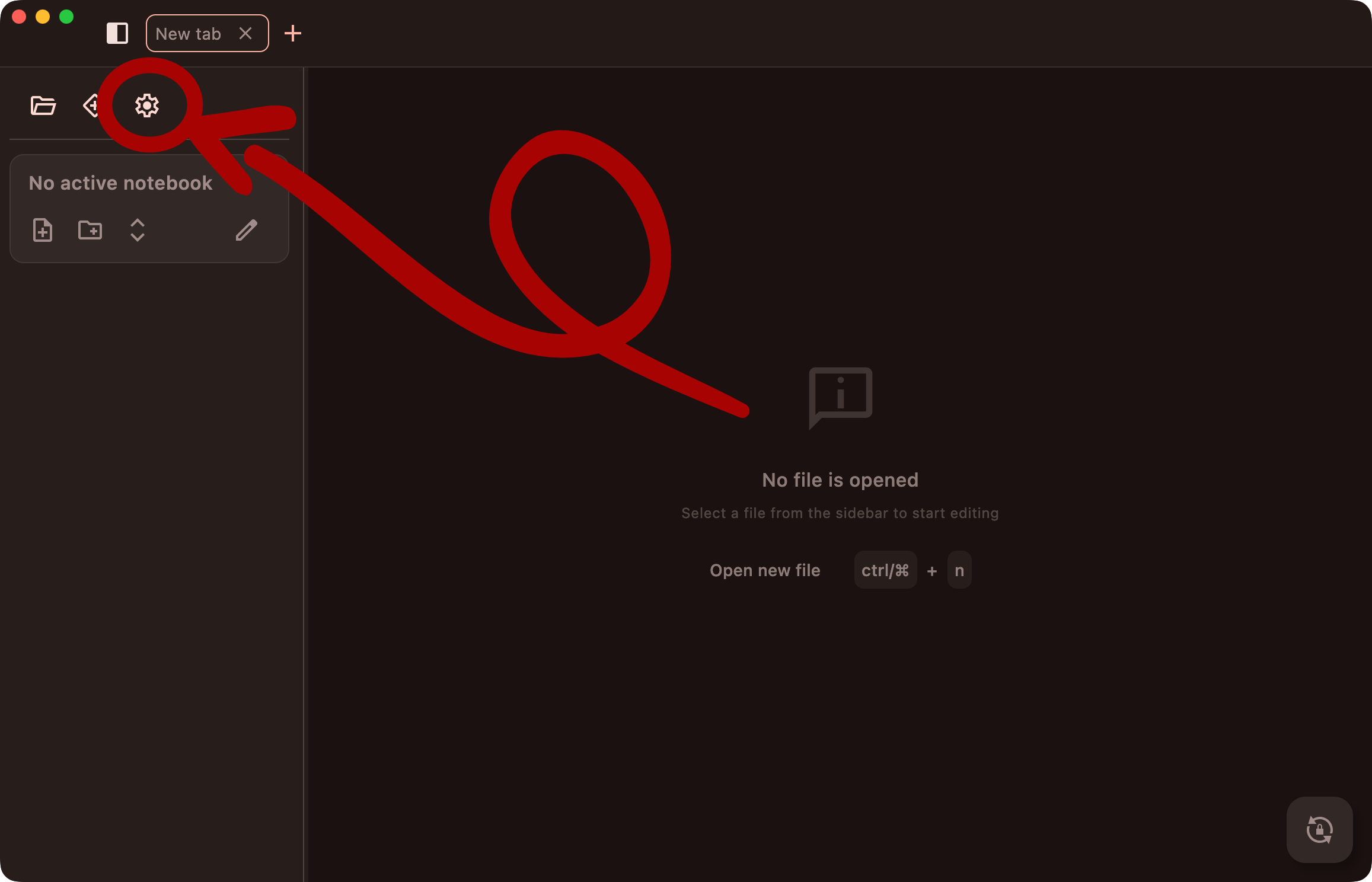
Open the settings with the gear button in the sidebar. On the desktop they open in a dialog; on mobile, as a screen of their own.
Appearance
| Setting | Options |
|---|---|
| Theme mode | System, Light, Dark |
| Accent color | The app's main color: default, purple, green or pink |
| Use Dynamic Color (Android 12+) | Take the colors from your wallpaper instead of the accent color |
| Font family | Default, Monospace or Serif, for the notes |
| Editor width | Off: the note is shown in a readable column. On (Full width): it uses the whole window. |
Language
| Setting | Options |
|---|---|
| App language | English, Español, Čeština, Deutsch, 中文 |
| Spell check language (desktop) | Same as app language (default), No spell checking, or any language that can be checked |
Chinese can't be spell checked, so it isn't offered as a spell check language. On mobile, your keyboard checks the spelling instead.
Git Sync
| Setting | Options |
|---|---|
| Auto sync | On (default): sync when a notebook opens, every 10 minutes, when the device comes back online and when you leave the app. Off: only when you tap the sync button. |
| Resolution strategy | Manual merge (default): a dialog asks for every conflict. Auto merge: always keep the local or always keep the remote version. |
Syncing & Conflicts explains both in detail.