Introduction
If you want your notes on more than one device, you usually choose between a proprietary cloud app (Notion, Evernote, Apple Notes) or a paid sync service. Either way, your notes end up stored and controlled by someone else.
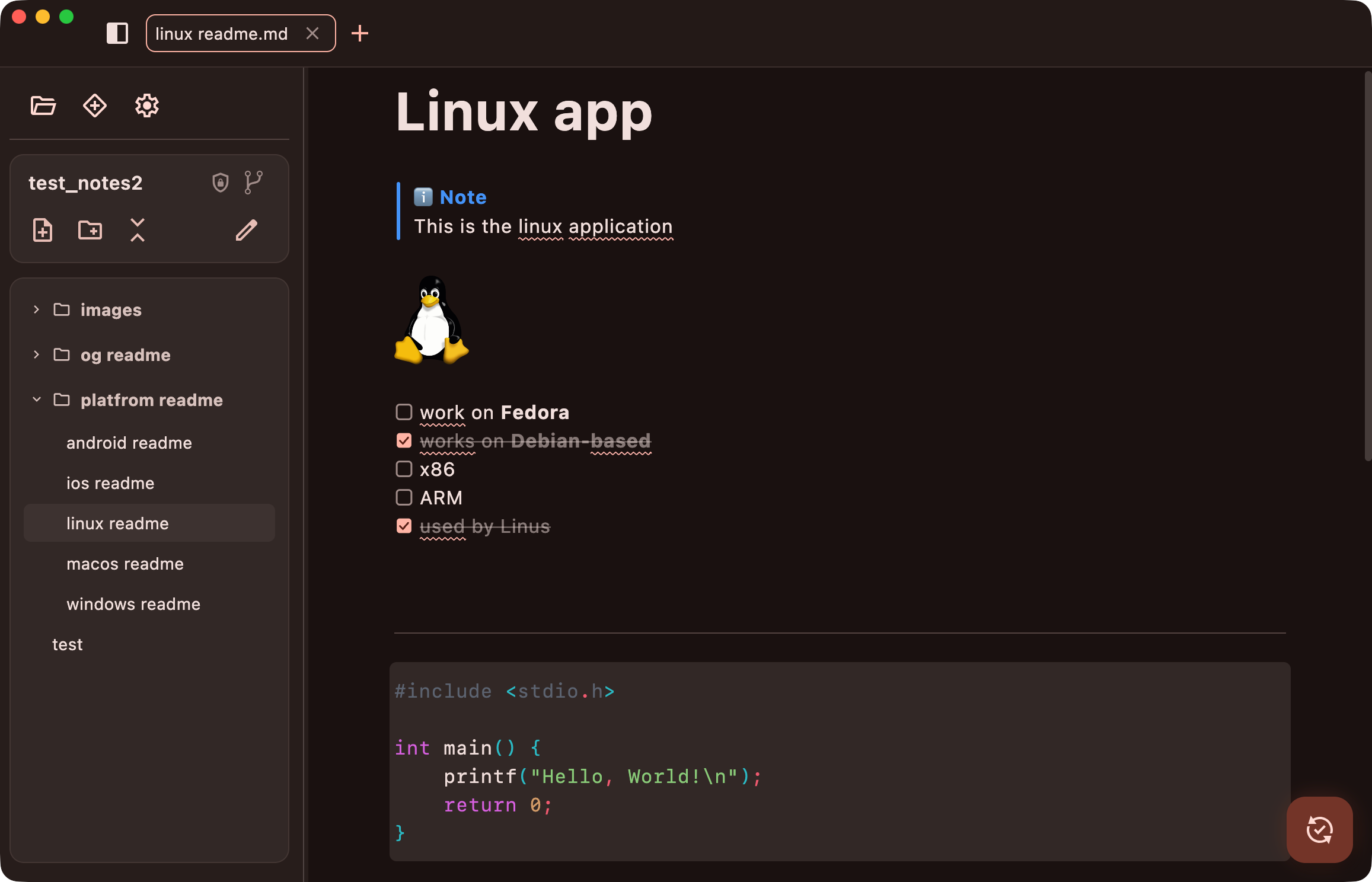
GitWriter is a minimalistic Markdown notes app built on Git. Your notes are plain .md files in a folder on your device, and you sync them through any Git host: GitHub, GitLab, Codeberg, a self-hosted Forgejo, or your own server. There is no GitWriter account or GitWriter server. Git is the sync service.
Core ideas
- Notebooks. A notebook is a folder of notes. Every notebook is its own Git repository and can have its own remote, so you can keep work notes on your company's GitLab and personal notes on GitHub.
- Plain files. Notes are ordinary Markdown files. You can open the same folder in VS Code, Obsidian, Neovim or a terminal at any time, and nothing locks you in.
- Sync = commit, pull, push. A sync commits your changes, pulls what your other devices pushed, merges it, and pushes the result. If two devices changed the same note, GitWriter asks you which version to keep.
- Optional end-to-end encryption. Any notebook can be encrypted. The Git host then only stores encrypted files: no note text, no note names, no readable history. Your devices still work with plain notes and normal Git underneath. See How encryption works.


Platforms
GitWriter is built with Kotlin Multiplatform and Compose Multiplatform, so the same app runs natively on:
- Desktop: Linux, macOS and Windows
- Mobile: Android and iOS
Where to go next
- Install the app.
- Follow the tutorial. It takes you from an empty app to notes synced across devices, and optionally encrypted.
- Learn the editor and its shortcuts.