4. Encrypt a notebook
A private repository is hidden from other people, but the Git host can still read it: GitHub's staff, a leaked token, or a breach of the host. With end-to-end encryption, notes are encrypted on your devices before they're uploaded. The remote only ever holds encrypted files, without note text, note names, folders or readable history.
On your devices, nothing changes. The notebook is still a folder of plain Markdown files, the editor works the same, and conflicts are resolved the same way.
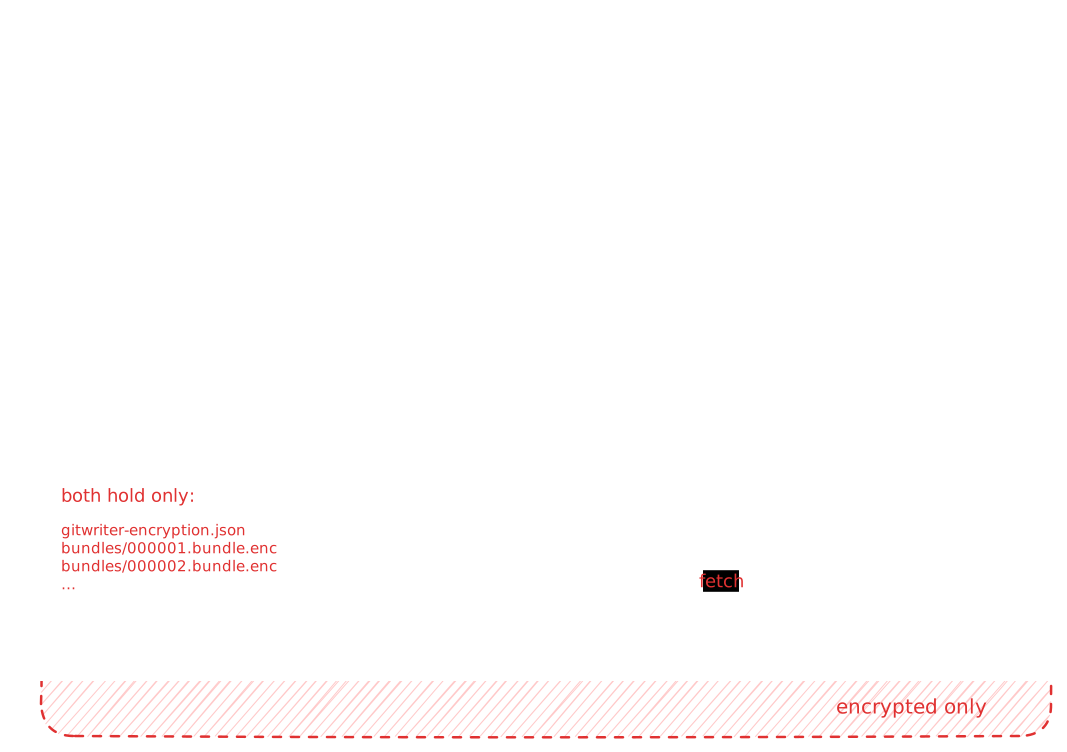
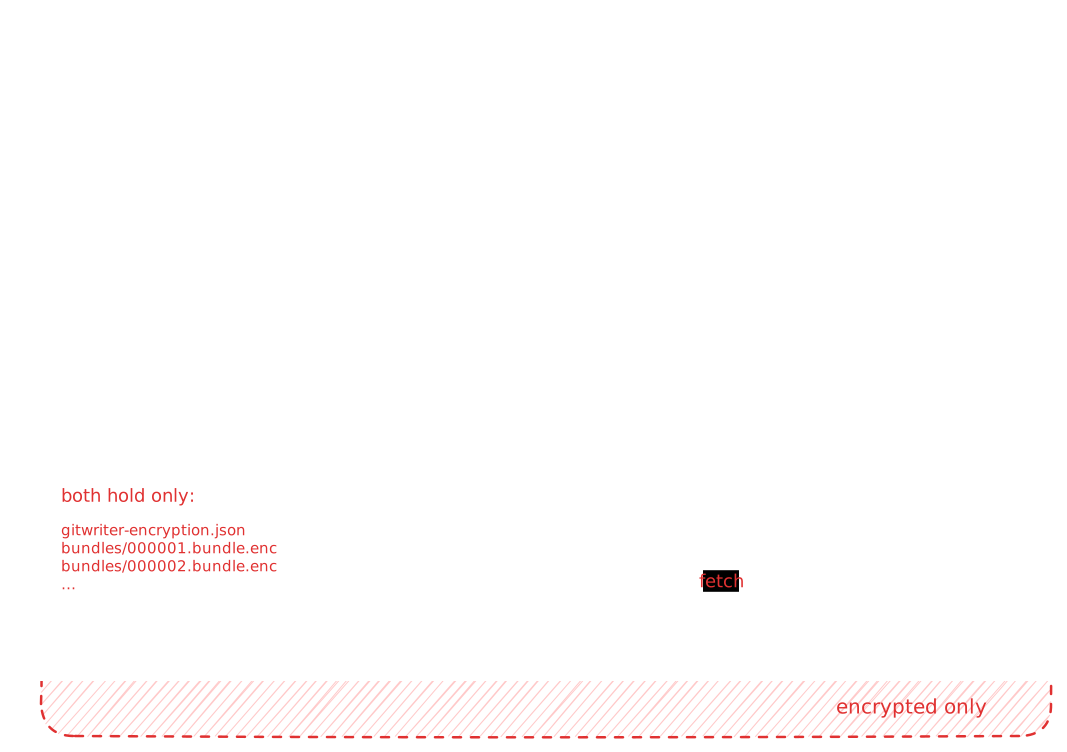
If you want to know how this works, see How encryption works. This page only covers using it.
The password can't be recovered
Every device derives the encryption key from the notebook password. If you forget it, the notes on the remote can't be decrypted by anyone, including you. Your devices keep their plain copies, but you can't add a new device. Store the password in a password manager.
Before you start
Encryption needs a new, empty repository. The old repository's history contains every version of your notes in plain text, and encrypting from now on can't erase that. GitWriter refuses to encrypt into a repository that has any branch.
- Create a new empty private repository, as in part 2, step 1. For example
notes-encrypted. - Make sure your token can access it. For a fine-grained GitHub token, add the new repository under Repository access, or create a new token.
Turn on encryption
On the device that has the notebook:
- Sync once, so this device has everything from your other devices.
- Open Edit notebook.
- Change Repository URL to the new, empty repository. Update Password/Token if you created a new token.
- Turn on Encrypt notebook.
- Enter the Notebook password twice.
- Click Save.
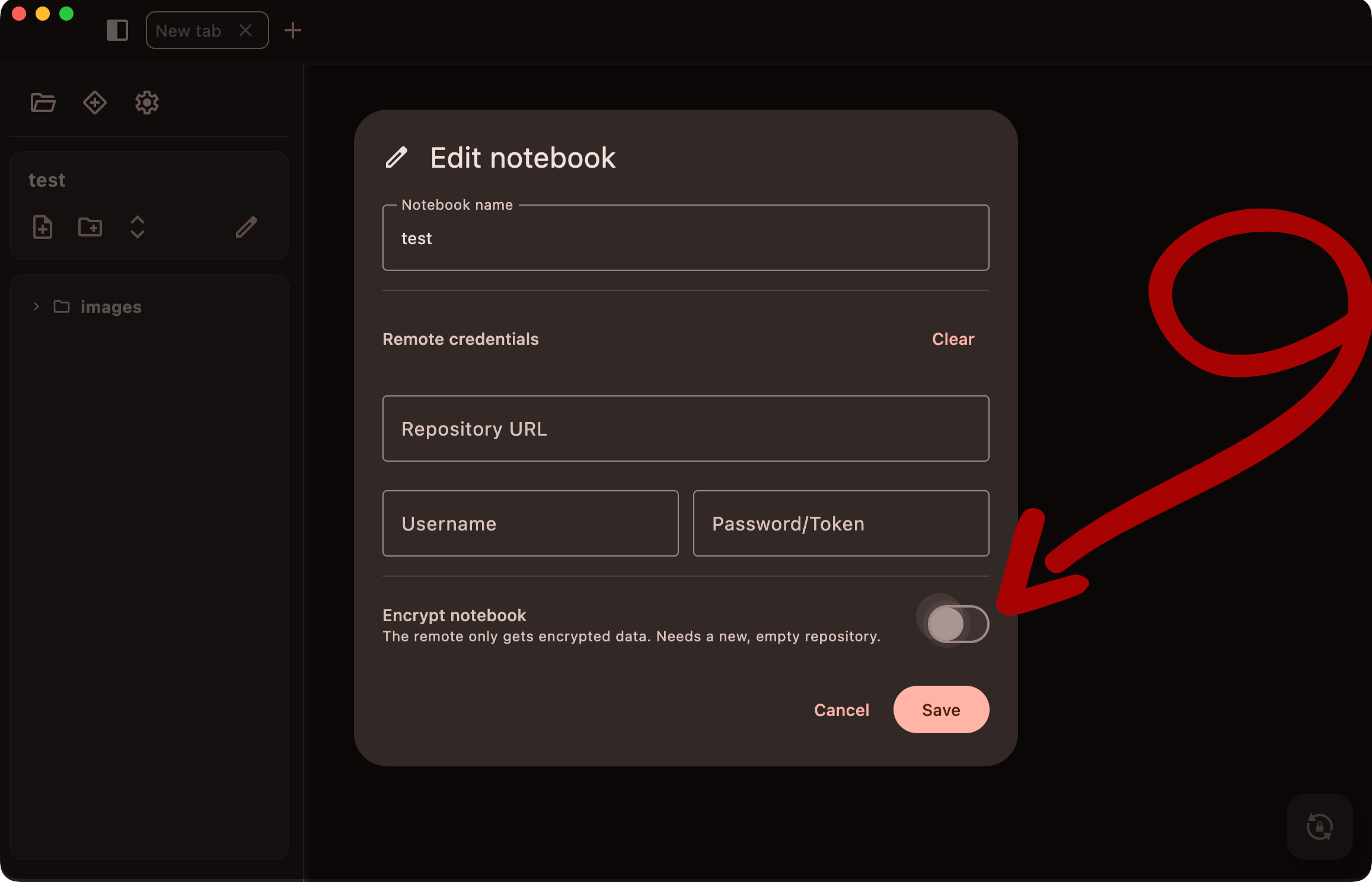
GitWriter checks that the repository is empty, sets up encryption and uploads the whole notebook history as the first encrypted file. Open the repository on GitHub: you'll find only gitwriter-encryption.json and a bundles folder with .bundle.enc files, and no notes.
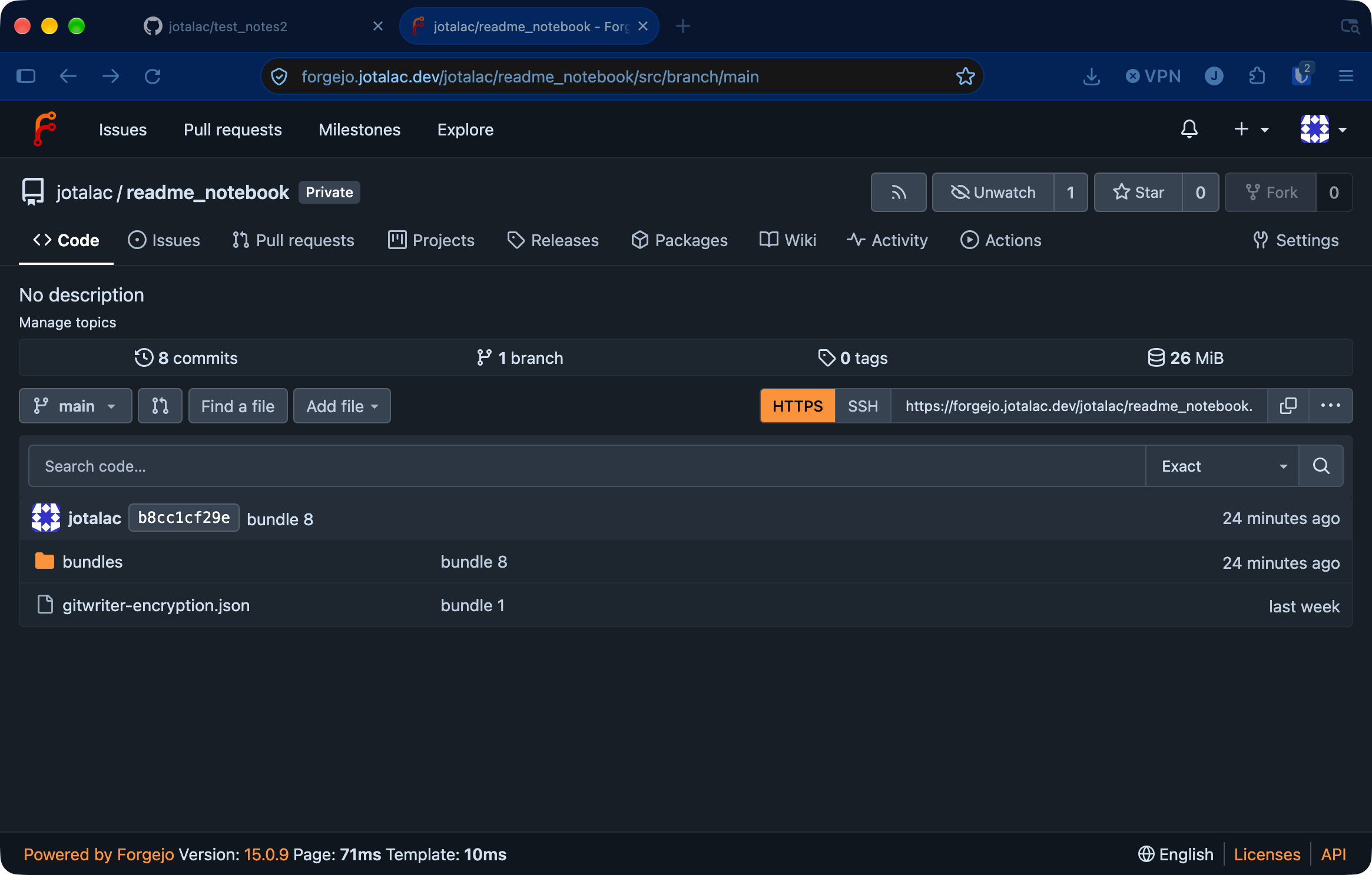
Once that's done:
- Delete the old repository on the Git host, or at least the notes in it. It still holds your notes in plain text.
- On your other devices, delete the old notebook (sync it first if it has changes you haven't synced), then open the encrypted one as described below.
What you can't change later
An encrypted notebook stays encrypted, and its repository URL is locked, because the repository holds its encrypted history. The token and username can still be changed. Changing the password isn't supported yet.
Good to know
- The password is entered once per device. GitWriter derives the key from it and keeps the key, not the password, in the app's database on that device. Anyone with access to that database can decrypt the notes, the same as with the plain notes on the disk.
- The repository only grows. Each sync that uploads changes adds one encrypted file. They're small, but they stay.
- Encryption doesn't protect the device. The notes on your devices are plain files. Encryption protects them on the remote and on the way to it.